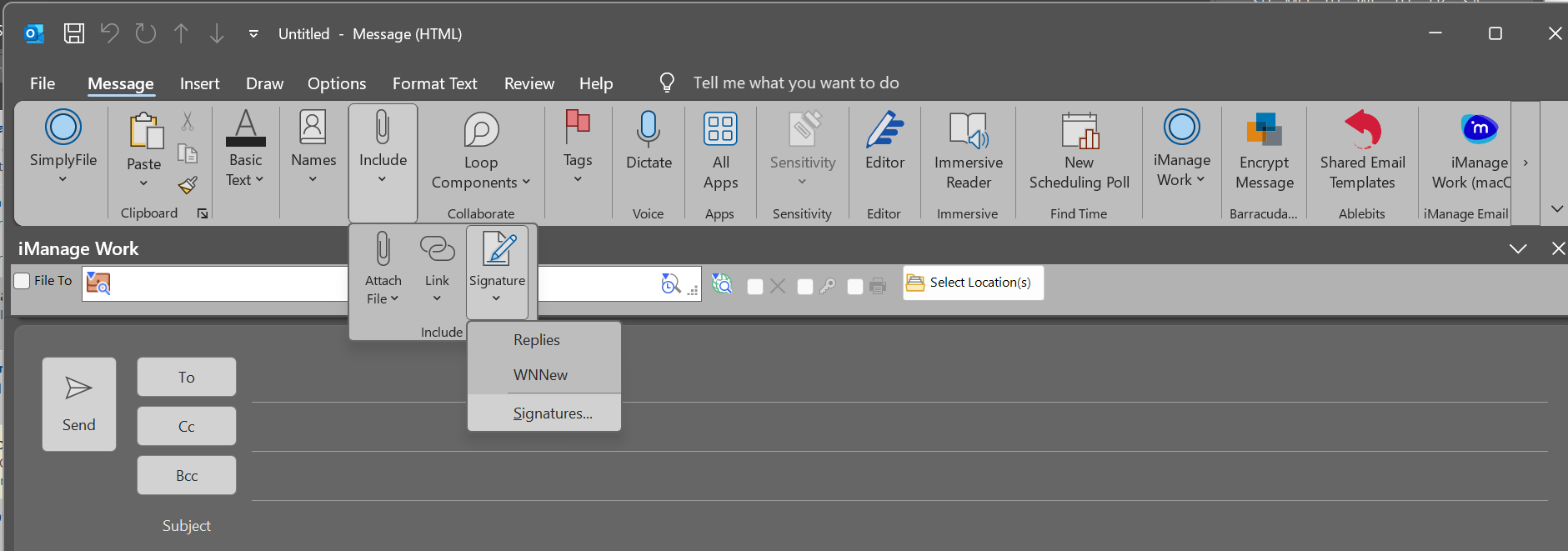
- 1. Open a new email in Outlook and select "Signatures..." under "Include" > "Signature"
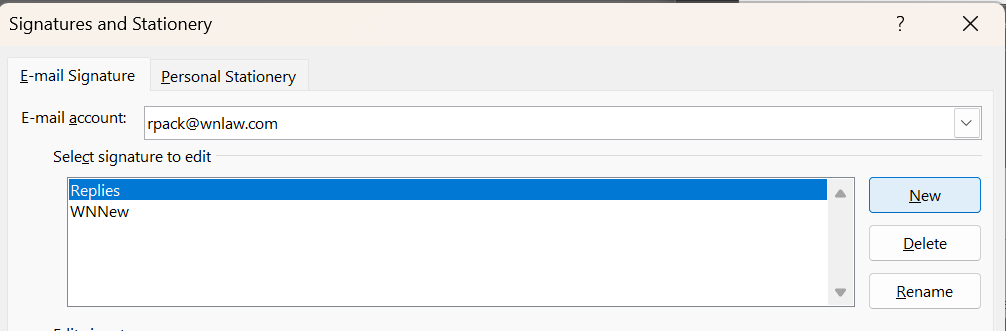
- 2. Click on "new"
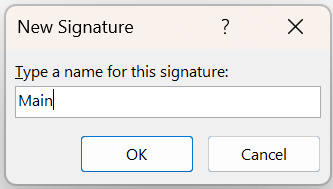
- 3. Name the new signature
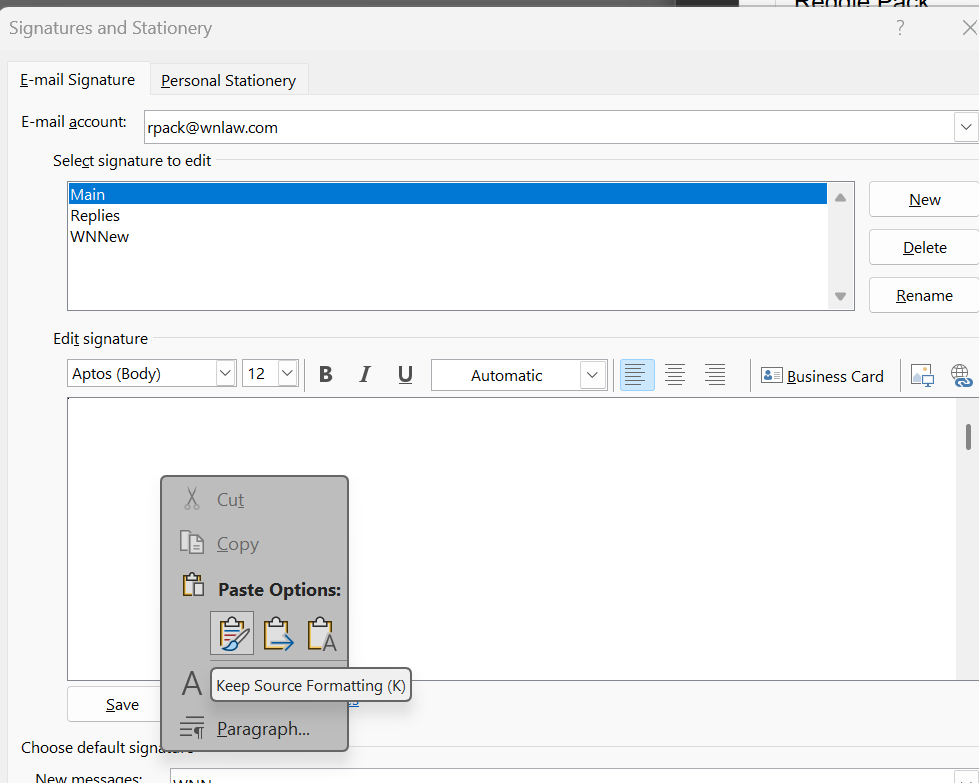
- 4. Right click in the empty box an under "Past Options" select "Keep Source Formatting (K)"
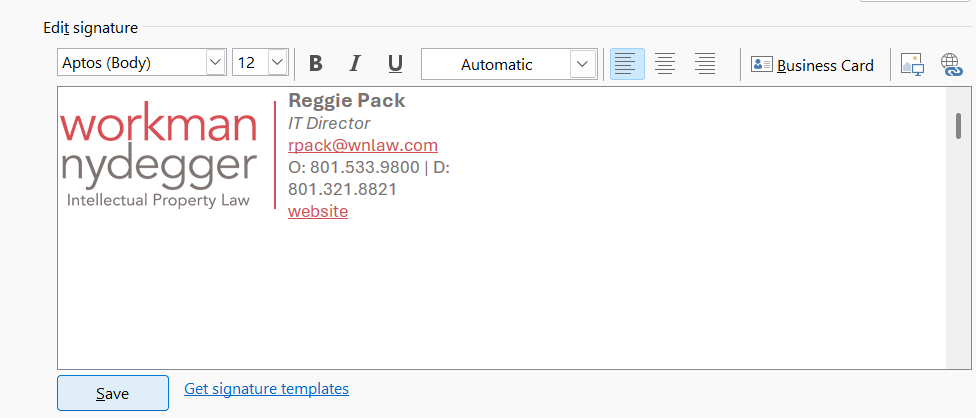
- 5. Save the signature
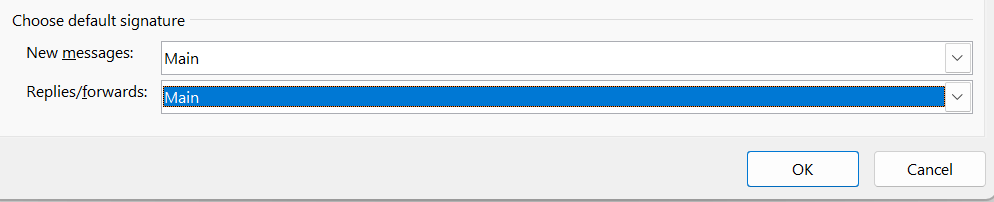
- 6. Select if you want the new signature to be included automatically on new emails or replies